My Capstone Journey
April 13, 2026
The selected capstone project "CNHS Grade Portal" was actually an idea from one of my groupmates. We were a team of three: I served as the programmer, while my two groupmates handled QA testing and documentation.
Initially, my proposed ideas leaned heavily toward hardware projects and a Filipino folklore platformer game. However, these were instantly denied due to our strict two-month development window-which included the research and surveying phases. Since hardware projects were off the table entirely, we shifted our focus to software. We spent a week exploring Ormoc City, looking for companies or government offices willing to collaborate on a solution for their IT needs.
After a week of searching, we identified three potential solutions based in our respective hometowns:
- CNHS Grade Portal (Caridad National High School)
- Fund and Project Management System (Ormoc City Hall I.T. Department)
- MHO App (Kananga Municipal Health Center)
The Pitch
We were the first group to present. Our PowerPoint
followed the order above, but we didn't even make it
past the first idea, our instructor instantly approved
the CNHS Grade Portal. During the seven-minute
presentation, I was responsible for explaining the
technical side: user account roles, permissions,
flowcharts, and the concept UI. Meanwhile, my groupmates
detailed the project's core features and overall
purpose.
Design Process
I created the initial UI concepts for all three proposed
projects using
Figma.
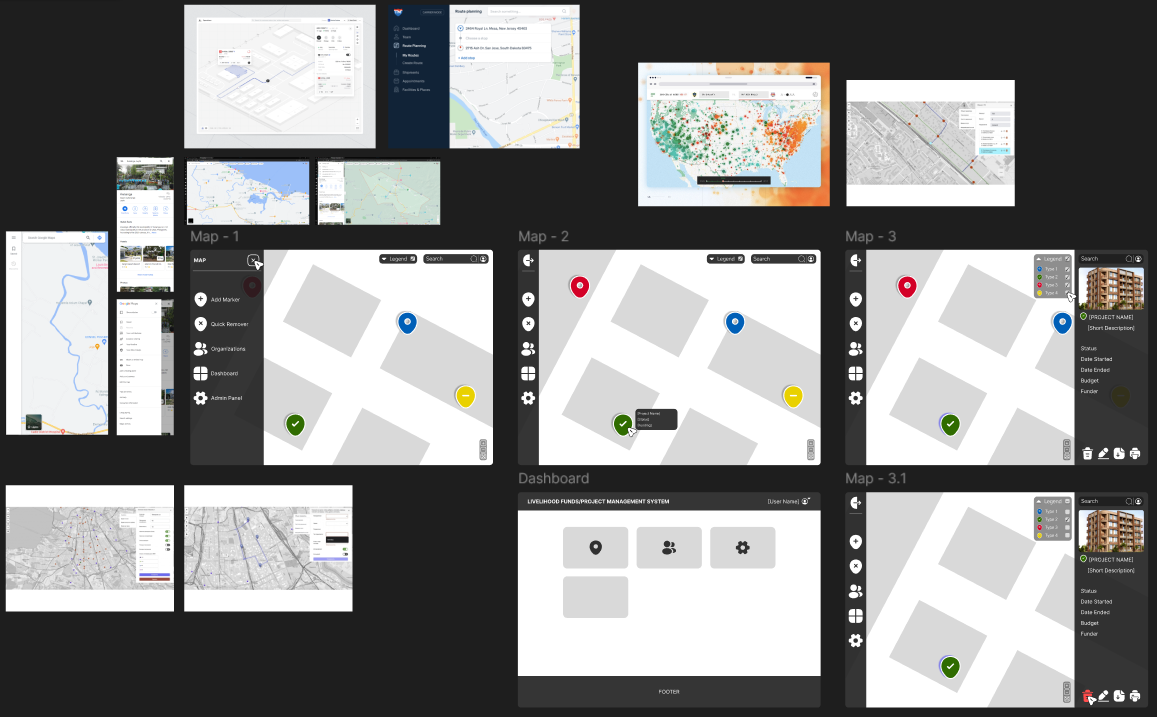 Fund and Project Management System UI Design Process
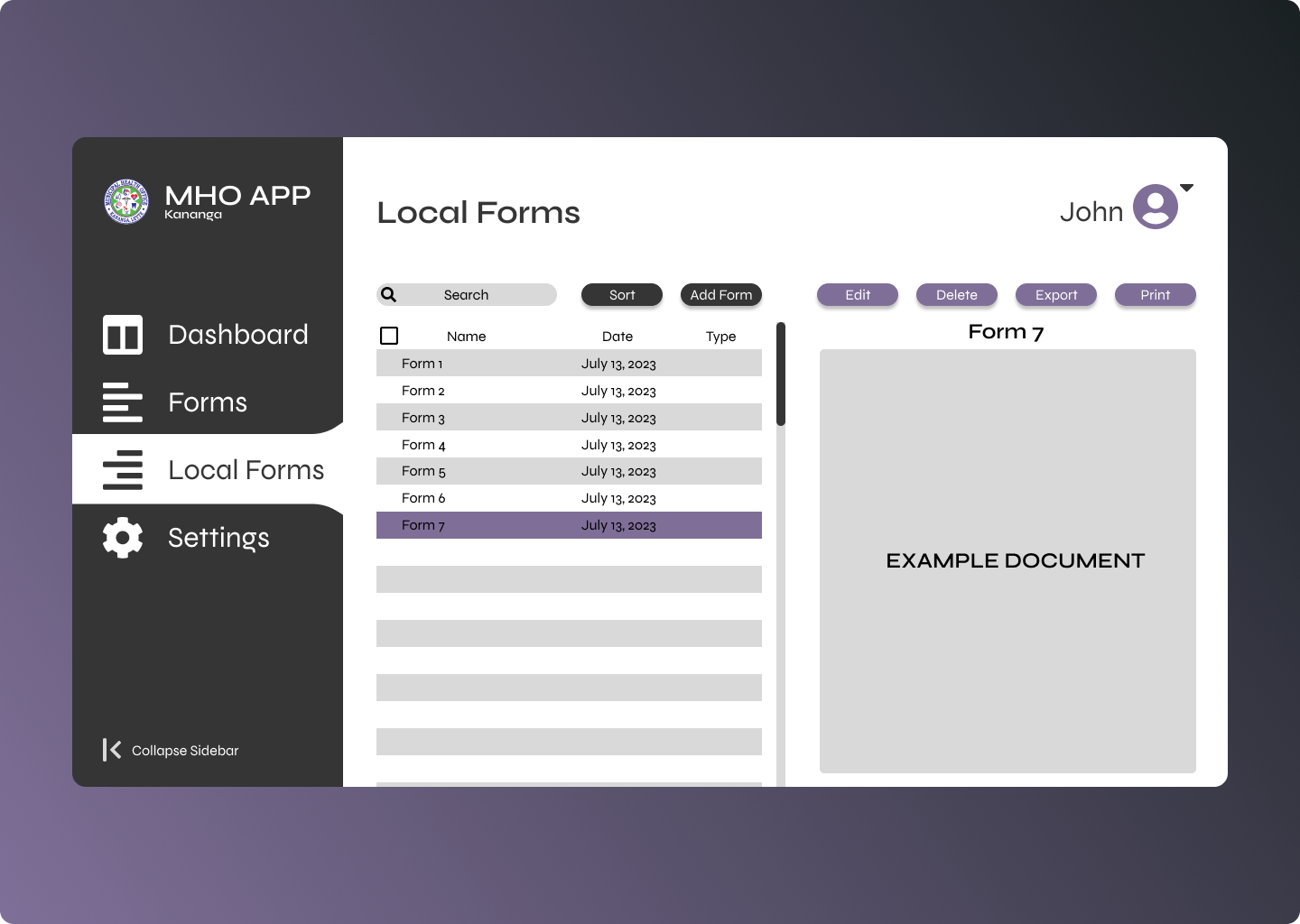 MHO App Sample UI Design
CNHS Web Portal Concept Design Samples:
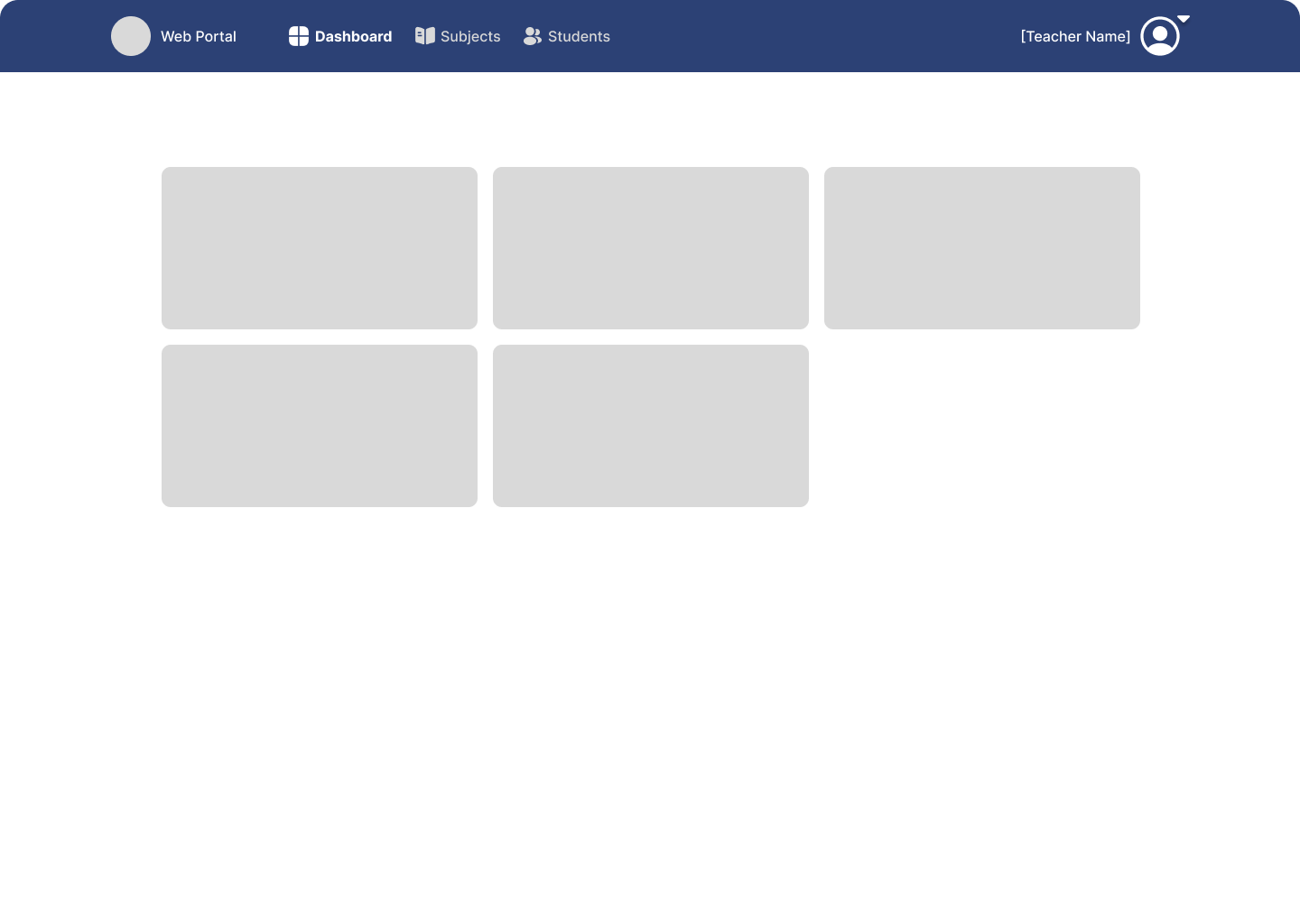 Dashboard
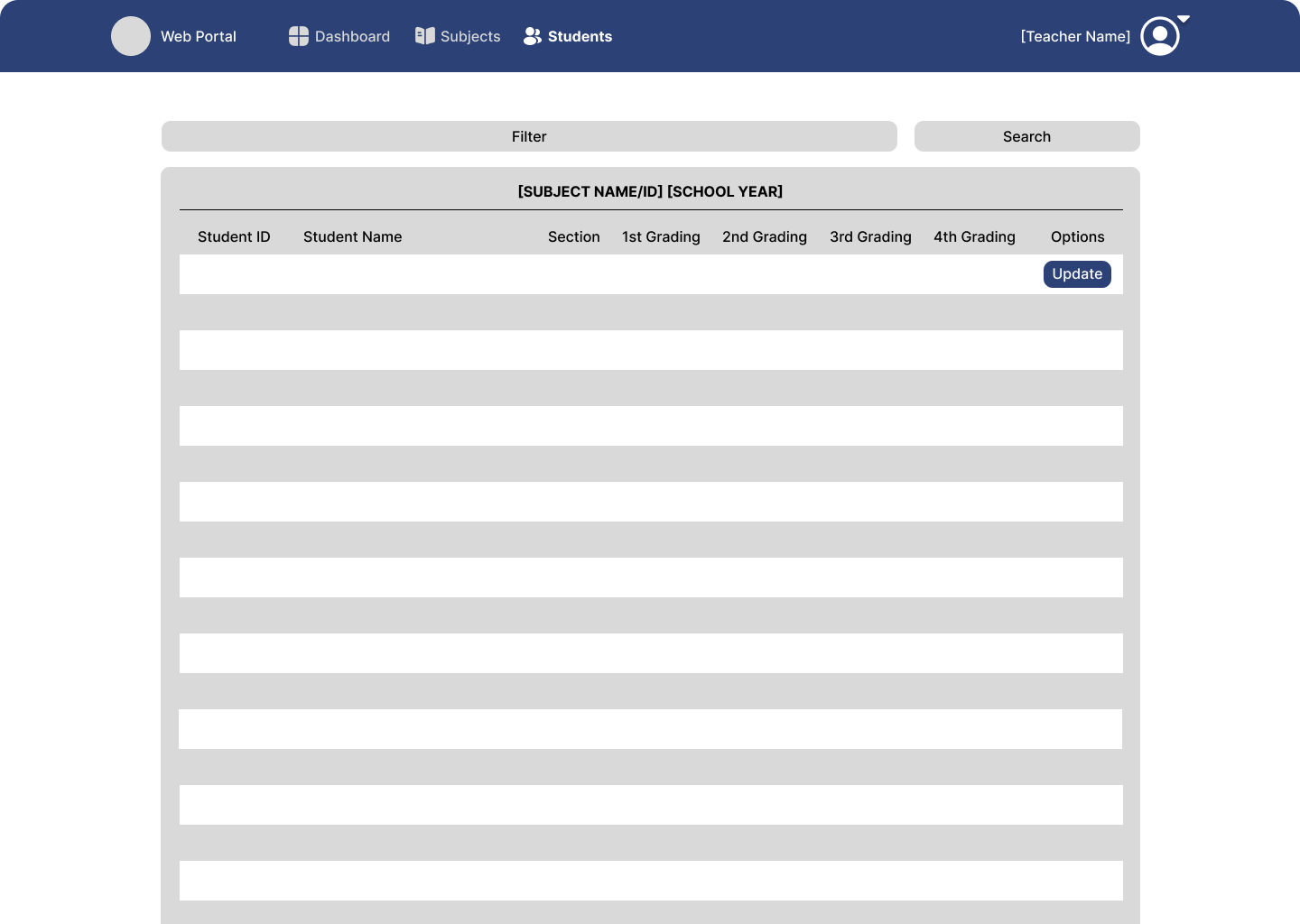 Teacher's Student List
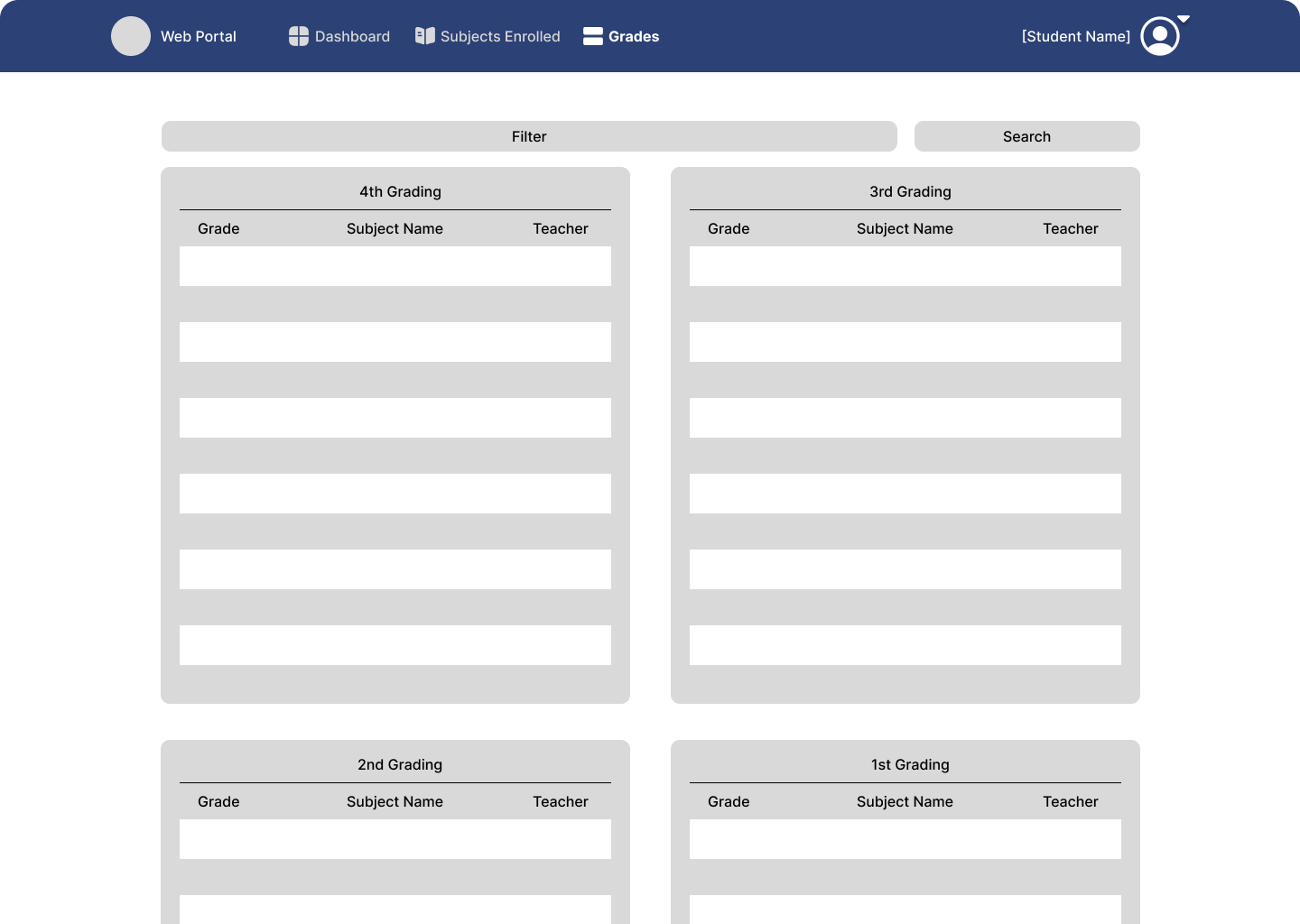 Student's Grades
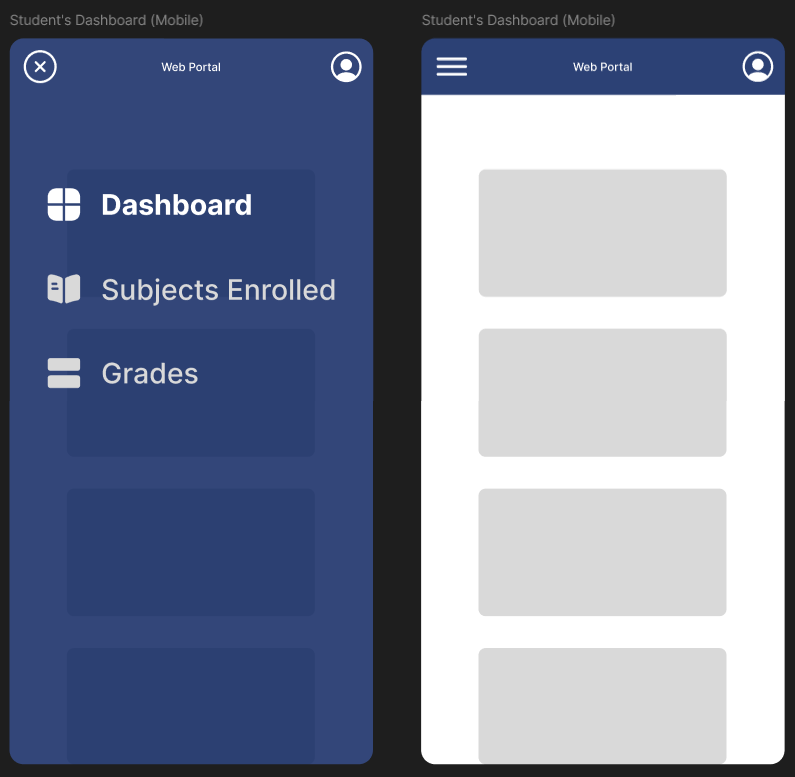 Mobile View
The First Defense
Our first defense was a harsh learning experience. The
project faced heavy criticism, primarily due to its
dark-themed UI and small font sizes, which made it
difficult for the panelists to read. To make matters
worse, our overall presentation was shaky, the
instructors struggled to understand our explanations,
and the campus's slow internet caused agonizing loading
times between pages.
Despite the presentation being a failure from the start,
it was a valuable stepping stone. The panelists provided
crucial
recommendations, including a major UI overhaul, proper font scaling,
and the addition of new features like an SMS system and
report generators.
Main Initial Features Presented (Before Revisions)
- Line chart generation based on student performance per quarter.
- Automated grade sending to parent/guardian email addresses.
- Automatic GPA computation.
- Asynchronous Validation.
- Responsive User Interface.
- Audit Logging.
Development and Time Management
Throughout the development phase, I kept a strict daily
log of code changes, added features, and bugs that
needed fixing. I challenged myself to complete at least
1 to 5 tasks every day, depending on their complexity.
This system allowed me to maintain a steady pace, avoid
burnout, and successfully implement all the demanded
features before the deadline.
Tech Stack & Plugins Used
- PHP
- JavaScript / JQuery
- Bootstrap
- Font Awesome Icons
- Chart.js
- Datatables
- SweetAlert2
- Cropper.js
- Selectize.js
- PHPMailer
- Lightbox2
- TinyMCE
- Local Address Selector
The Final Product
The final project is a massive departure from the
initial concept. Most notably, the UI was completely
overhauled to feature a greener aesthetic, directly
referencing Caridad National High School's official
color palette.
You can explore the live demo version of the project using the sample accounts below:
ADMIN ACCOUNT
Username: admin
Password: admin123
TEACHER ACCOUNT
Username: clairebear
Password: clairebear123
STUDENT ACCOUNT
Username: 2026-45899
Password: sherry123